

Setup tutorial:
1) Broker Partner
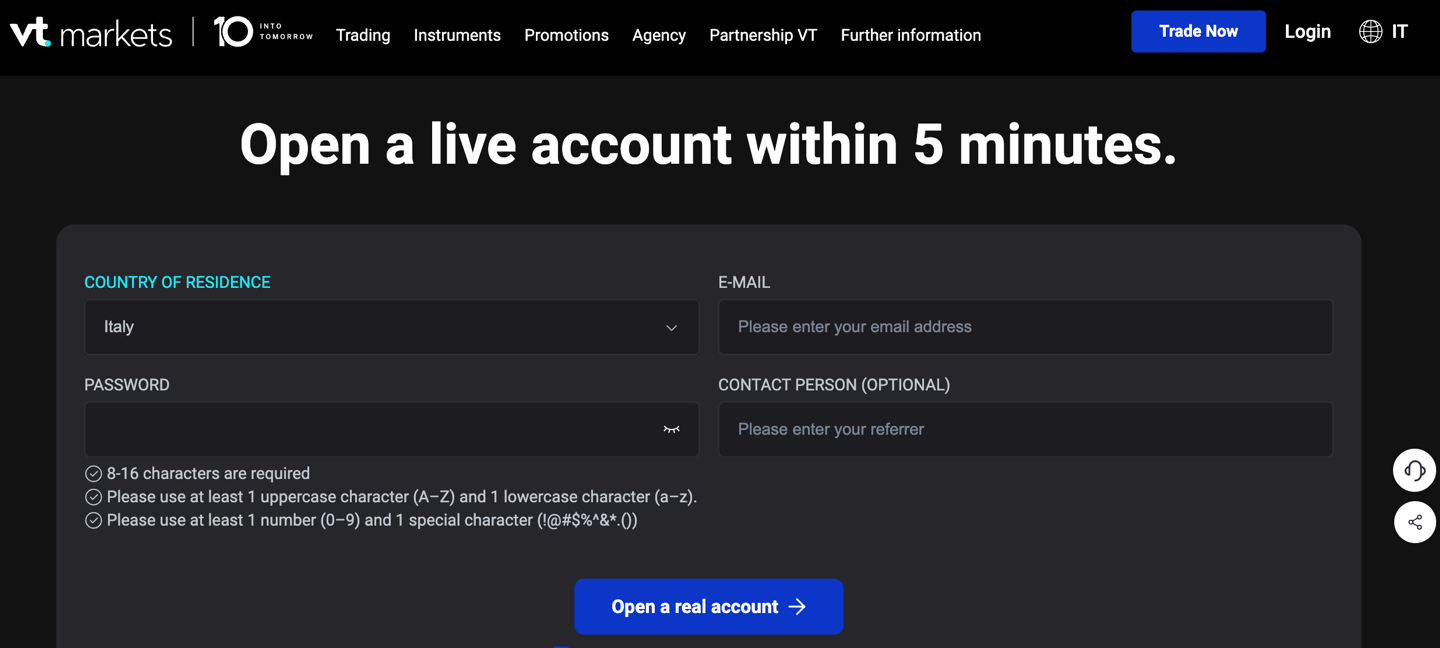
Register with the Partner Broker using the link found in the Profile section of the Braintech Finance platform.
After completing the registration, make sure you have successfully opened an MT4 account, then proceed to the next step.
2) VPS setup (suggested)
You will now find a link to create your virtual machine, a VPS, which allows you to keep your trading terminal and the newly created account online at all times, ensuring constant market access.
This step is not mandatory. You can also use your own personal environment or your computer, as long as it remains connected with the terminal open.
If you prefer to use a dedicated environment, which we recommend, you can follow these steps to create a simple VPS at a very low cost, with 30 days of free usage included.
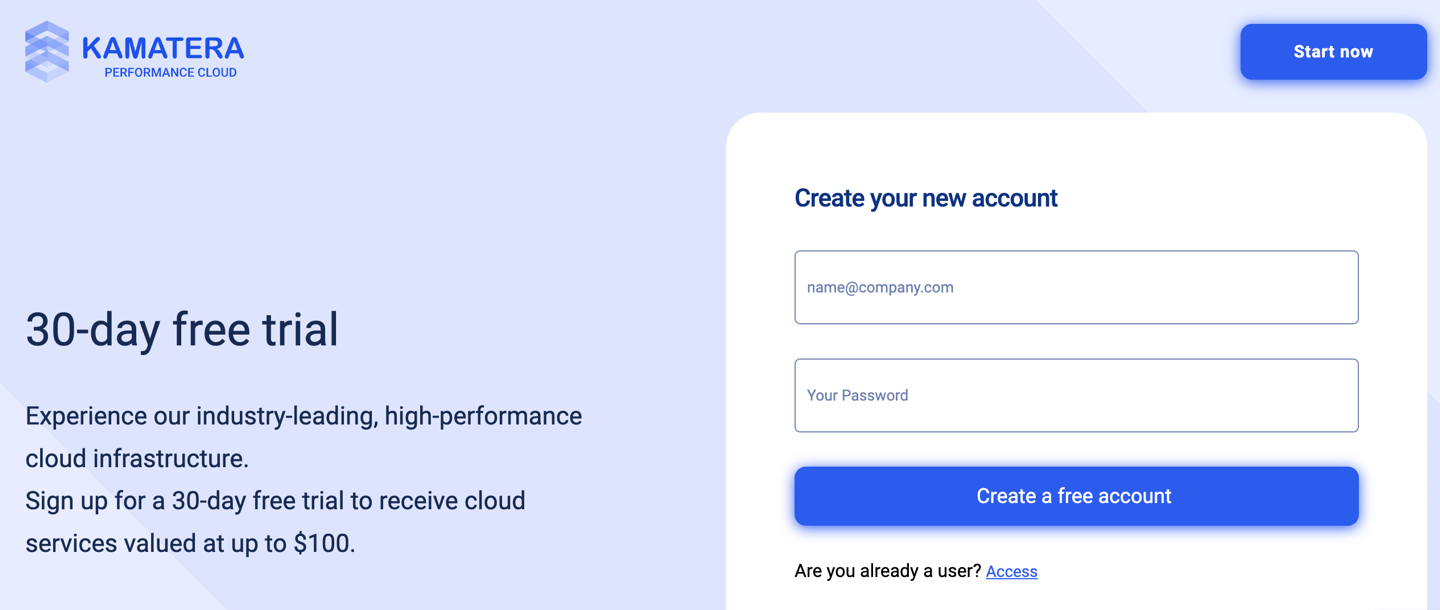
Now that you’ve registered your profile, you can go to the CREATE NEW DESKTOP section and create a VPS using the minimum requirements shown in the image below.
Once it’s ready, you can access it through Windows Desktop or the dedicated app on Mac.
From there, you’ll be able to install everything you need and move on to Step 3.
3)Download Brainlink
In the Profile section, you’ll find Download BrainLink.
Simply click it to download the BrainLink proprietary software. After that, copy and paste the file into your environment or VPS and the setup will start automatically. Just follow the instructions and complete the required login details.
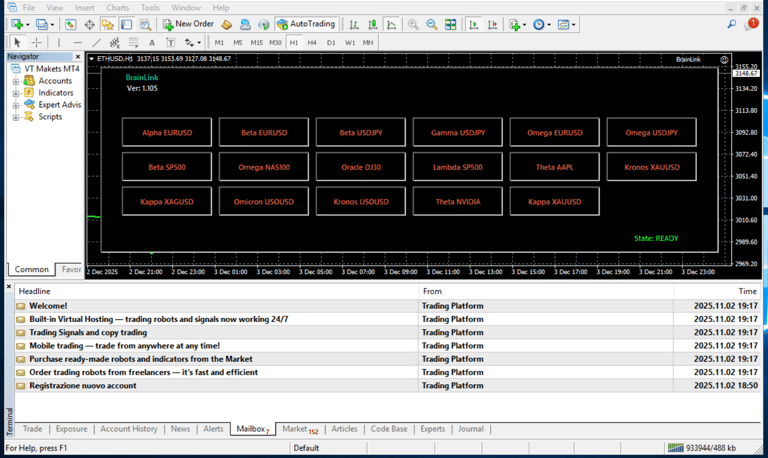
Once the file is installed on your computer and the setup is completed, you will see BrainLink appear inside your MetaTrader 4 terminal. In the upper-right corner, a smiley icon will confirm that the connection has been successfully established.
From this moment on, you’re ready to access the platform and use all algorithms in real time directly from your web app.
Video tutorial
Follow step by step the instructions

© 2026 Braintech Finance. All rights reserved.
Braintech Finance is a technology platform and does not provide financial advice, investment recommendations, or brokerage services. Trading involves risk and users are solely responsible for their decisions.